Welcome. Let us get your site started.
The onboarding form for new GetRestaurantSite clients. Fill in what you have, submit, and send anything missing later by email or from your client portal.

Before you start
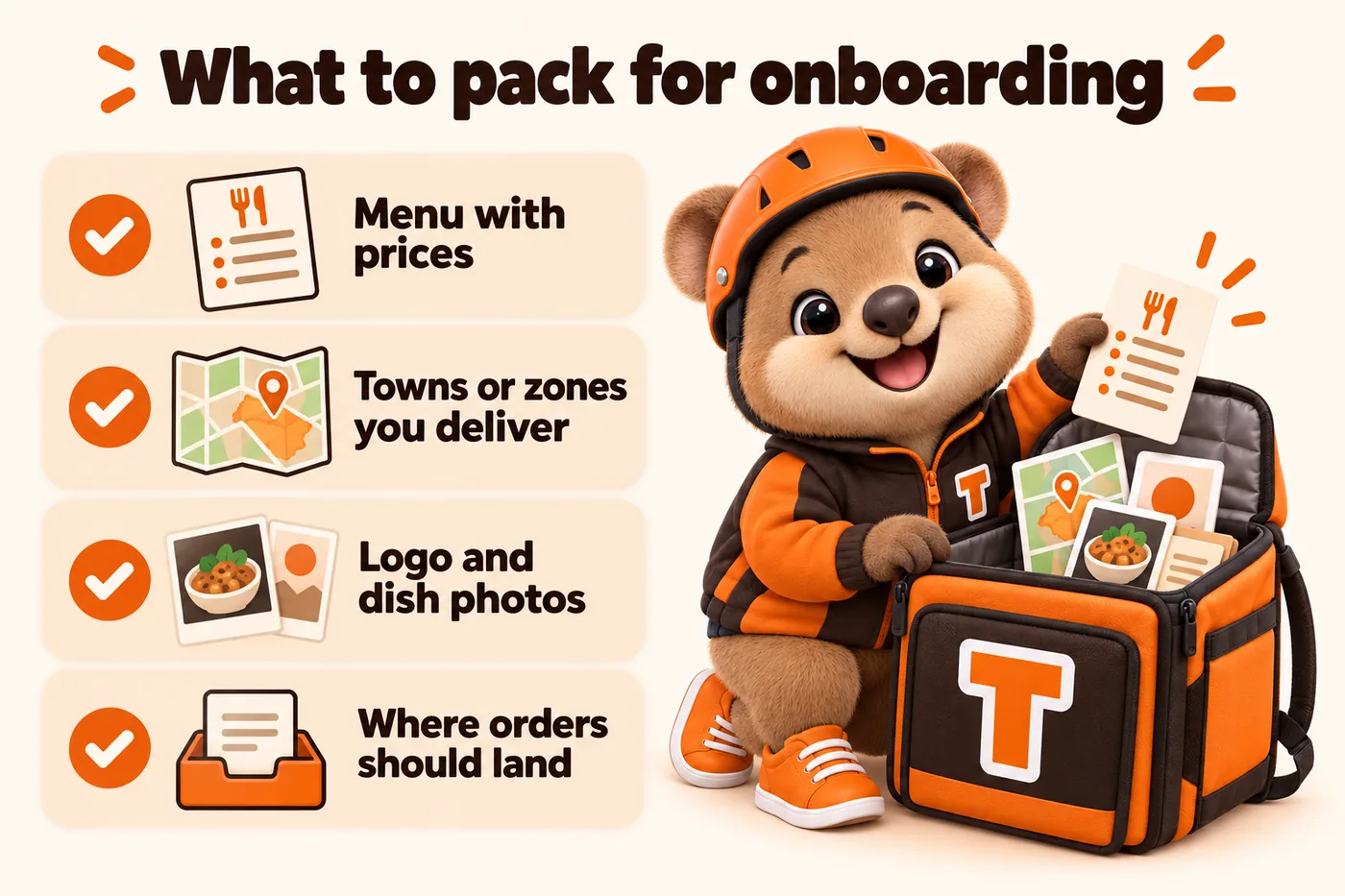
What to have ready, if you can
- Your menu, with prices, in whatever format is easiest for you today.
- The towns, zones or radius you actually deliver to.
- A logo file if you have one, and any photos of finished dishes.
- The name of the CRM, POS or inbox where orders and enquiries should land.
How the build runs
Step 1
You pay the first monthly invoice
That starts the plan. The build fee is not charged yet.
Step 2
You fill in this form
It takes about 15 minutes. Anything you do not have yet can follow later.
Step 3
One onboarding call
We walk through your answers, fill the gaps, and agree the launch date.
Step 4
We build and launch
Live in 7 days on Order Starter. The build fee is invoiced only once you have approved the site.
After launch, everything runs through your client portal
You get an account the day the site goes live. From it you request revisions, raise a support ticket for anything that needs attention, send us files, and talk to the team directly. You get 5 revisions a month included, of any size, each completed within 2 to 5 working days. You never need to log in to the website itself.
Onboarding questions
What happens straight after I buy?
You fill in the onboarding form and submit it. It asks for your menu, delivery zones or coverage area, brand, domain and where orders should land, and it takes about 15 minutes. If something is missing, submit anyway: you can send the rest by email or raise it as a ticket in your client portal, and it will not hold up the build. We then run one onboarding call to fill any gaps and agree the launch date.
What is the client portal?
It is your account with us, and you get it the day your site goes live. From the portal you request revisions, raise a support ticket for anything that needs attention, send us files you still owe us, and message our team directly. Everything to do with your site runs through it, so nothing gets lost in an inbox. You never log in to the website itself; we handle that side.
What counts as a revision, and what happens after five?
A revision is any change request you send, and there is no limit on how much goes into one. A new menu item, an updated combo price, a different photo, a new delivery zone: each is one revision. So is something much larger. "Rebuild our whole menu page and add three new combos" is one revision, not four. 5 are included every month. After the fifth, each additional revision is a flat $20, with no cap on how many you can buy and no hourly billing anywhere. Every revision is completed within 2 to 5 working days, whatever the size.
How do I actually request a change?
Raise it in your client portal. You describe the change, attach anything we need, and it lands with the team as a tracked request so you can see where it is. You can also email us or reply to any thread with our team, and we log it for you. Unused revisions do not roll over to the next month.