Why Your Restaurant Website Should Be the Easiest Way to Order
A restaurant website earns its keep when ordering from it is faster than calling, walking in or opening a delivery app. Here is what that actually takes.
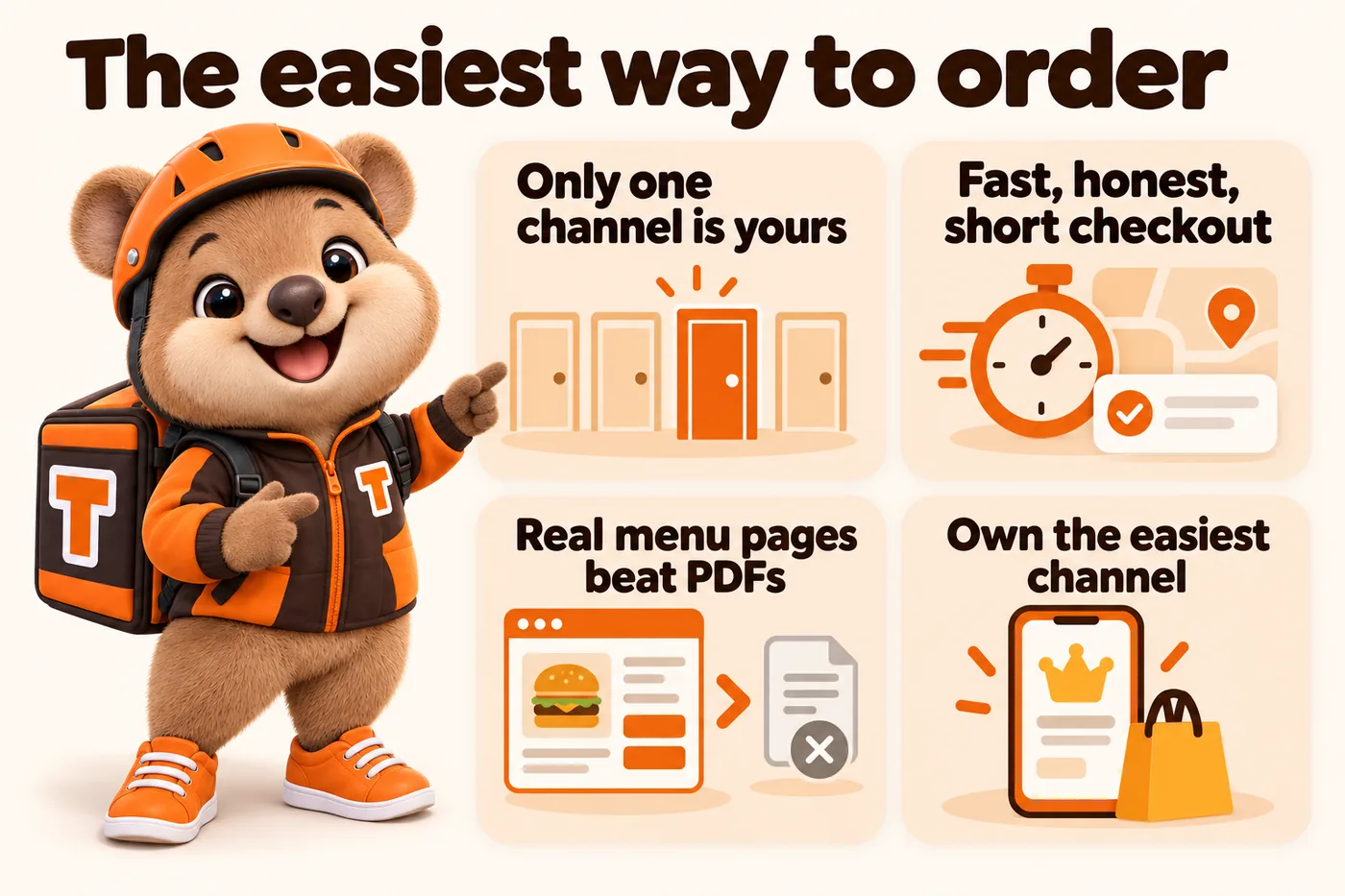
A restaurant website earns its keep the moment someone chooses to order from it instead of calling, walking in, or opening a delivery app, and that choice comes down to one thing: which option is genuinely the least friction between being hungry and having food on the way.
What “owning the order” actually means
Owning the order means the entire transaction, browsing the menu, choosing modifiers, picking delivery or pickup, and paying, happens on a page you control, connected to whatever point-of-sale, kitchen display or CRM your kitchen already uses to fulfill orders. It does not mean you stop taking phone calls or pull your listing from a delivery app. Most restaurants that do this well run all three channels at once. The difference is that one of them, the one on your own domain, carries no per-order commission and hands you the customer’s details for next time, while the others do not.
That distinction matters more the longer a restaurant has been open. A kitchen that has spent two years building repeat customers through a delivery app has spent two years building someone else’s customer list. A kitchen that routes even half its regulars through its own site keeps that relationship, which compounds every month the site is live.
The four channels an order can actually take
Before deciding how to improve online ordering, it helps to look honestly at where orders come from today, because each channel has a different cost and a different ceiling.
Your own site
This is the channel with the fewest structural downsides: no commission taken off the top, direct access to the customer’s contact details for a future promotion, and full control over how the menu, pricing, and checkout are presented. The tradeoff is that it only works if the site itself is fast, clear, and genuinely easier to use than the alternatives. A slow or confusing site on your own domain is worse than no site at all, because it wastes the one channel you actually control.
Phone orders
Phone orders remain real, especially for regulars who already know what they want. The cost is staff time: every call ties up a person who could otherwise be prepping food or handling counter traffic, particularly during the busiest part of service. Phone orders also leave no easy record for building a repeat-order feature or a simple loyalty note, since the information lives in a conversation rather than a system.
Walk-in and counter orders
Walk-in traffic converts well because the customer has already committed to showing up. The site still plays a role here, though: a customer standing outside deciding whether to come in, or checking your hours from their phone before walking over, needs a page that loads instantly and answers the two or three questions they actually have, mainly what is available and how long a wait to expect.
Third-party delivery apps
Delivery apps are genuinely useful for discovery. Someone who has never heard of your kitchen can find you through app search results in a way they cannot through your own site, which nobody visits without already knowing you exist. The tradeoff is a commission on every order placed through the app and a customer relationship that belongs to the platform rather than to you. This is not an argument against using delivery apps. It is an argument for not treating them as your only online presence.
What actually makes an owned ordering flow work
Building an ordering page is not the hard part. Building one that a hungry, slightly impatient person on a phone actually finishes using is the hard part, and it comes down to three specific things.
A menu that loads instantly
A menu page is a sales page, and a slow sales page loses sales. Google’s Core Web Vitals measure exactly this experience: how quickly the largest visible element appears, how stable the layout is while loading, and how quickly the page responds to a tap. These are not abstract engineering metrics. They describe the exact frustration of watching a menu page shift around while images load, or waiting several seconds to see a price. HTTP Archive’s ongoing page weight research documents how much heavier the average web page has become over time, largely from accumulated scripts and unoptimized images, which is precisely the kind of bloat a page-builder restaurant site tends to accumulate as plugins get added over the years.
The fix is architectural, not cosmetic. A menu built as custom-coded pages, with only the script it actually needs (often none), served from a fast edge network, opens close to instantly on the day it launches and stays that way as pages get added later. A 90 or higher PageSpeed score, measured the way search engines measure it, on both mobile and desktop, is the standard to build to and hold, not a one-time optimization pass to run when things start feeling slow.
Delivery zones and pickup times that are honest
An order that gets cancelled because an address was outside the actual delivery range costs more than the sale. It costs a kitchen’s time preparing food nobody picks up, and it costs the customer’s trust the next time they consider ordering from you. The fix is checking an address against a real, configured delivery zone before the order is confirmed, not after, and showing a pickup or delivery time estimate that reflects your kitchen’s actual speed rather than a generic default every template ships with.
This detail matters more during a rush. A time estimate that never adjusts for how busy the kitchen actually is will eventually be wrong at exactly the moment a customer is deciding whether to trust it.
A checkout with as few steps as possible
Every field between “I know what I want” and “the order is placed” is a chance to lose the sale. A modifier list that is unclear, a combo price that does not calculate correctly, or a form asking for information that does not matter to fulfilling the order all add friction that a delivery app, built by a much larger team solely to optimize this one flow, generally does not have. Matching that experience does not require a huge team. It requires treating the checkout as the single most important page on the site and building it mobile first, because that is the device a hungry customer is actually holding.
Why the menu itself should never live in a PDF
A large number of takeaway and fast casual sites still put the menu behind a QR code that opens a scanned PDF. It is an understandable shortcut, since a PDF is fast to produce and easy to hand off to a printer for table tents. It is also a genuine liability for three specific reasons.
First, a PDF designed for print forces a phone user to pinch and zoom, which is friction at exactly the moment you want someone deciding what to order. Second, updating it means re-exporting and re-uploading a whole new file every time a single price changes, which means menus quietly go stale because nobody wants to repeat that process for one item. Third, a PDF is close to invisible to search engines, which is a direct cost to the local visibility work covered in the next section.
The fix is building the menu as real web pages: fast-loading, readable at any screen size, and structured the way your kitchen actually organizes dishes rather than the way a print layout happened to lay out. A QR code pointing at a real page never needs reprinting, because the page updates and the code does not have to.
How local search fits into getting found before the order
Speed and a good checkout only matter once someone has actually found your site. Google’s guidance on Local Business structured data explains how a search engine expects to read facts like your hours, address, and service area, and a site that presents this information as real, structured content rather than a paragraph of prose gives search engines something specific to work with. The same logic applies to visible FAQ content: Google’s FAQ structured data guidelines are explicit that the questions and answers in the markup need to match what a visitor actually sees on the page, which is also simply good practice for AI answer tools reading the page directly.
For a restaurant with more than one location, this becomes a page architecture question as much as a technical one. A single page listing two or three addresses in a sentence gives a search engine almost nothing to match against a search for takeaway in a specific neighborhood. A real page per location, each with its own hours, its own delivery zone, and enough distinct content to read as genuine rather than duplicated, is what actually competes for that kind of search. See our guide on multi-location restaurant website architecture for how this is structured in practice.
What to check on your own site this week
A short, honest audit surfaces most of what needs fixing without any special tooling.
- Open your menu on a phone with a slow connection. If it takes more than a couple of seconds to become usable, speed is costing you orders right now.
- Try to place an order the way a new customer would. Count the steps, and note anywhere you had to guess what a field or button actually does.
- Check whether your delivery zone is stated anywhere at all, and whether it matches what your drivers can actually cover.
- Look for a PDF menu behind a QR code. If one exists, it is worth replacing with real pages, not just updating.
- Count your location pages against your actual locations. A one-page, two-address setup is a page architecture gap, not a minor detail.
None of these fixes require guessing at what works. They require applying the same fundamentals, page speed, honest information, structured data, and a short checkout, that are documented publicly and apply the same way to a two-person takeaway counter as they do to a national chain.
What changes once your own site is genuinely the easiest channel
The effect of shifting even a portion of orders onto a channel you own compounds in ways that are easy to underestimate. Every order placed on your own site gives you a customer record you can use for a future promotion, a loyalty note, or simply knowing which combo a regular always orders. None of that exists when the same order is placed through a delivery app, because the platform, not your kitchen, holds that relationship.
There is also a margin effect that has nothing to do with what any specific third-party platform charges. An order with no commission taken off the top is worth more to your kitchen than the same order placed through a channel that takes a cut, regardless of what that cut happens to be for your particular agreement. Shifting a meaningful share of repeat orders onto your own site changes the economics of every one of those orders, not just the ones placed that day.
None of this requires an aggressive campaign to move customers off delivery apps. It requires making your own site the obviously easier choice the next time a regular is deciding how to order, whether that is because the menu loaded instantly, the modifiers were exactly right, or the checkout took ten seconds instead of a minute. Over enough orders, that difference is what shifts behavior.
Where reviews and reputation fit into this
A customer deciding between ordering directly from your site or through a familiar app is also weighing trust, and reviews are a large part of that. A review shown near the item someone is deciding on, or right before checkout, does more work than the same review sitting on a separate testimonials page nobody visits. This only works with reviews you have actually received; a site should never fabricate a rating or a review count that does not reflect reality, both because it misleads customers and because it undermines the trust the feature is meant to build in the first place.
For a kitchen running Order Engine or Full Kitchen, an AI Engine can also draft replies to reviews for approval, so a busy week of service does not mean a review sits unanswered for days. It answers only from the facts you provide about your kitchen, and it is not a substitute for a human decision on anything sensitive, including any question that touches food safety, allergens, or nutrition, which should always route to a person.
Where this fits into a full rebuild
Everything above describes what a well-built ordering flow needs, but it assumes the underlying site is already fast, well-structured, and maintained. If your current site is a page-builder template accumulated over several years, patching individual issues tends to run into the same technical debt over and over. Our pricing page lays out the three plans we build on, and our features page goes deeper into how ordering, delivery zones, and menu pages work together on a GetRestaurantSite build. If you run a pizza shop specifically, our pizza takeaway and delivery page covers the combo and topping logic that niche needs, and if you run a truck or a delivery-only kitchen, our food trucks and ghost kitchens page covers what changes when there is no fixed address to build around.
The fastest way to see any of this against your own actual menu, rather than a generic example, is a live walk-through. Book a demo and we build a preview using your real dishes, your real delivery area, and your real prices, so you can judge the result against the specific kitchen you run rather than a hypothetical one.
Frequently asked questions
The questions below come up constantly when a restaurant is deciding whether to invest in its own ordering flow. They are also rendered with matching structured data, so an AI answer tool reading this page sees the same text a person does.
Sources
Frequently asked questions
Does adding online ordering to our own site mean dropping delivery apps?
No. Most restaurants run their own ordering flow alongside delivery apps and phone orders. The goal is making your own site the easiest of the channels, not removing the others.
How fast does a menu page actually need to load?
Fast enough that a hungry visitor never wonders if it is broken. A 90 or higher PageSpeed score on both mobile and desktop, measured the way search engines measure it, is the standard we build to and guarantee.
Do we need a page for every location before this works?
Yes, if you have more than one. A shared page with two addresses gives search engines and customers very little to work with. Each location needs its own hours, delivery zone and any menu differences.
What is the single biggest reason an online order gets abandoned?
Friction between deciding what to order and finishing checkout: a slow page, a confusing modifier, an unclear delivery zone, or too many fields before payment. Removing that friction is most of the work.
Can a small, single-location takeaway really benefit from this, or is it only for chains?
A single-location takeaway usually benefits the most, since it is competing directly against delivery apps and larger chains with more resources. Owning the easiest ordering channel is one of the few advantages a small kitchen can control directly.
Want a site like the one described here? Book a demo with GetRestaurantSite.